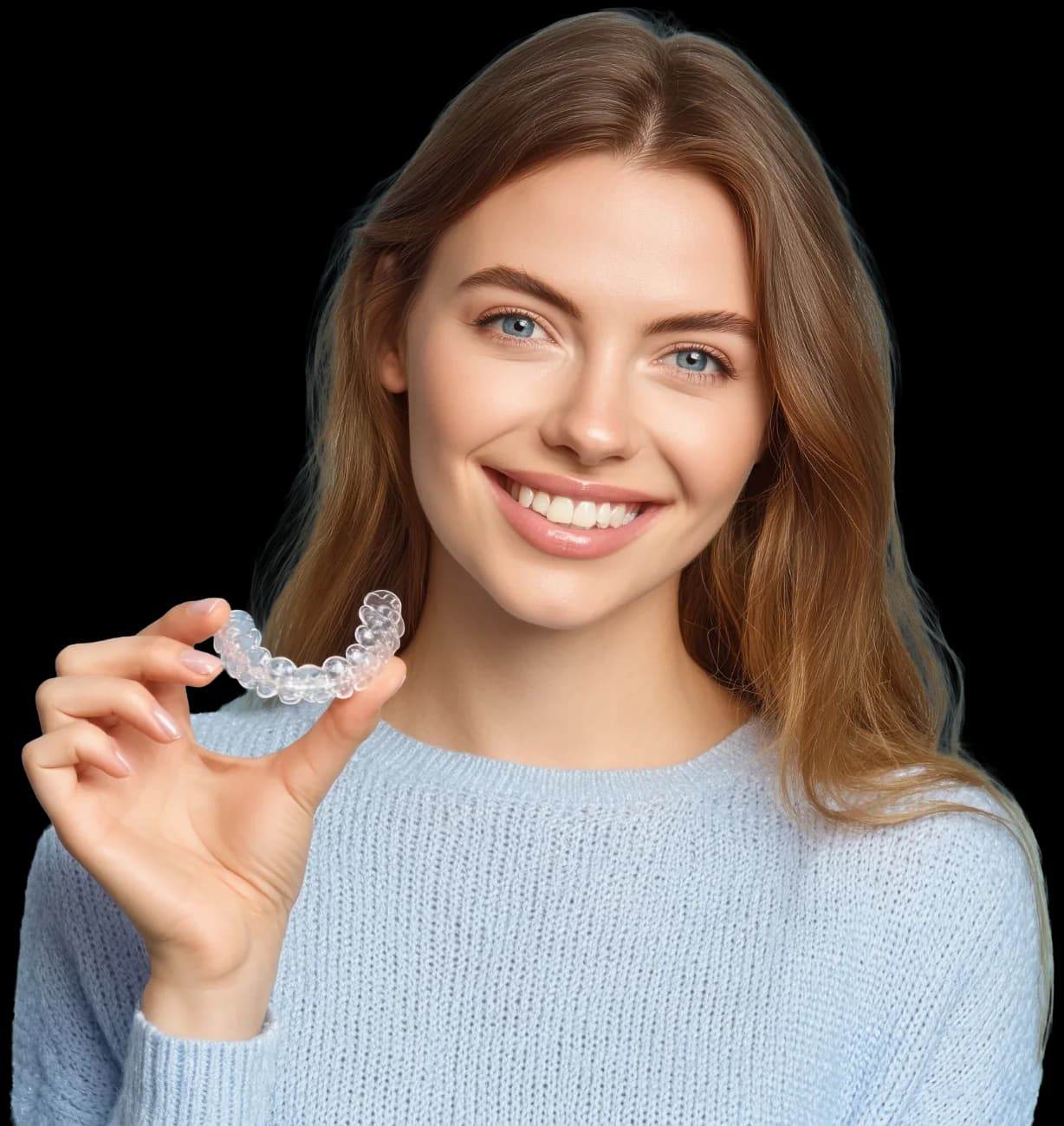
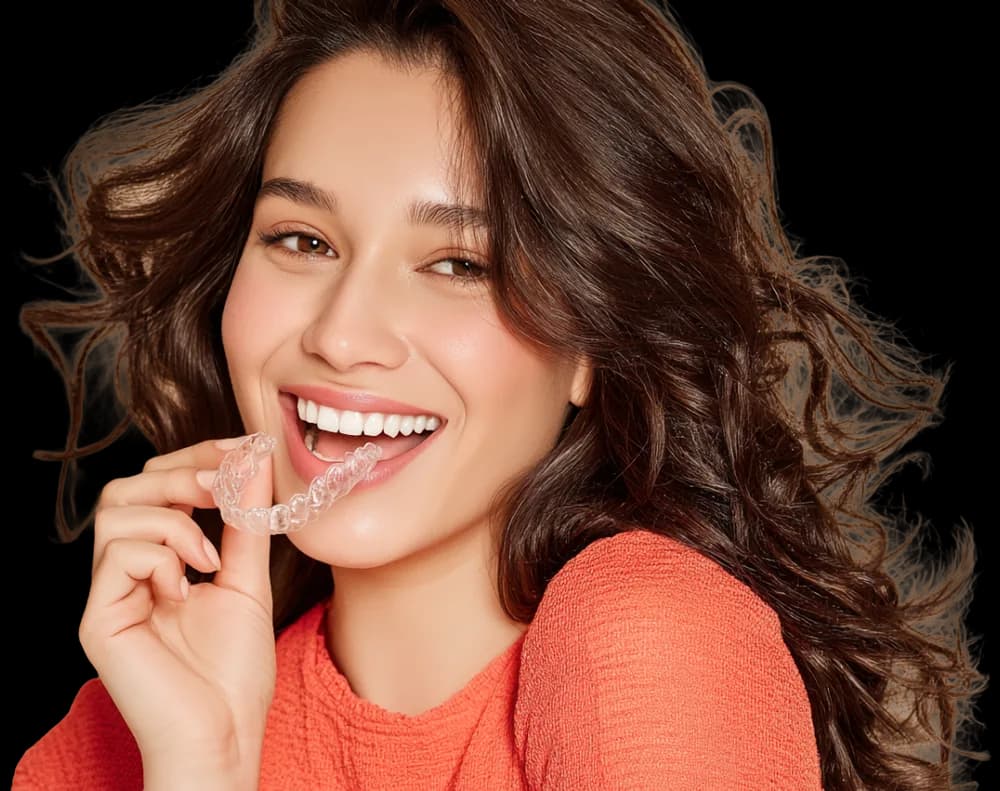
Patients say yes when they see it
One clinical photo becomes an AI before-and-after and a candidacy score while the patient is still in the chair. No scan needed, no waiting, no “I’ll think about it”.
How a smile simulation works
- One smiling photoTaken chairside on any phone or camera. No scan is needed for the simulation.
- AI renders a projectionShown with a candidacy score and the measurements behind it, and labelled as a projection.
- A clinician reviews itApproved, adjusted, or re-rendered on the second engine. Who decided, and when, is recorded.
- The patient sees the approved previewIn the chair, in the patient portal and in the follow-up email.
Chairside, in three moves
Take one photo
A smiling front photo on any phone or camera. The hygienist can do it during a routine check-up — no scanner needed for the simulation.
AI simulates the result
Under a minute later: the projected smile, a candidacy score and the measurements behind it — crowding, overjet, midline, shade. Pick the treatment, the finish and the tooth shade; re-render on the second engine if you want another take.
Patient decides in the chair
Drag between today and the simulation, with monthly pricing from your financing settings alongside. Consent, records and the case open from the same screen.
One photo. Every conversation you have in the chair.
Sim isn’t only for aligners. The same photo previews the cosmetic and restorative work you already offer, so the whole treatment conversation happens in one sitting.
- Clear aligner outcomeAlignment, crowding and spacing resolved, shown with the candidacy score.
- Fixed orthodontic outcomeThe same alignment preview for cases that need brackets.
- Teeth whiteningA lighter target shade, shown on the patient's own teeth.
- Composite bondingEdge repairs and small reshaping, with minimal intervention.
- Composite veneersShape, shade and proportion changes across the smile line.
- Porcelain veneersA full cosmetic redesign with a chosen tooth shape and finish.
- Gap closureDiastema and spacing closed, with the width redistributed.
- Chipped tooth repairFractured or worn edges restored to their original contour.
- Tooth reshapingTooth-shape presets from the shape library, applied to the smile.
Three finishes, one honest range
Every preview is rendered at a finish the patient can actually reach. Start at Natural and step up only if the treatment supports it.
Natural
Small improvements, natural anatomy and shade. The default for aligner and bonding previews.
Closest to the patient's own teethEnhanced
Cleaner alignment, a whiter shade, better symmetry. For combined alignment-plus-whitening plans.
Pairs with a target shade from the pickerSignature
Premium cosmetic result with refined proportions. Reserved for veneer and full-redesign conversations.
Only offered when the treatment can deliver itEvidence first. A clinician signs off.
AI produces the preview and the measurements. It never records a clinical decision — a registered clinician reviews every simulation before a patient takes it home.
Preview rendered, measurements attached, labelled as a projection.
Sits in the clinician's queue with the source photo and the engine used.
Adjusted, re-rendered or rejected. Who decided, and when, is recorded.
Only now does it reach the portal, the app and the follow-up email.
Draft simulations are never shown to patients. Read how we handle clinical data on the security and data protection pages.
Built for case acceptance, not just pictures
Honest by design
Every simulation is labelled as a projection and paired with the AI’s measurements. The treatment plan itself is always finalised by an orthodontist — the sim sets expectations, it doesn’t promise outcomes.
Your brand on it
White-label partners show simulations under their own name and colours — in the chair, in the patient portal and in the follow-up email the patient takes home.
Tracked to outcomes
Practice analytics ties simulations to consultations, accepted cases and revenue, so you can see which clinicians and which conversations convert.
Questions clinics ask
Does the patient need an intraoral scan?
No. Sim runs from a single smiling front photo taken on any phone or camera. The scan comes later, once the patient has said yes and the case is opened.
Is the simulation a promise of the result?
No, and it never claims to be. Every image is labelled as a projection and shown with the measurements behind it. The treatment plan is finalised by an orthodontist after the scan, and that plan is what the patient consents to.
What's the difference between Engine V1 and V2?
Two independent AI image engines. V1 is the primary; V2 gives a second rendering of the same photo when a case is unusual or the first result isn’t convincing. The clinician picks per case, and the engine used is recorded with the simulation.
Where does the patient's photo go?
It’s stored against the patient record inside your practice’s tenant, under the same access controls as the rest of their file. Processing keys never reach the browser. Details are on the data protection page.
Can the patient take the simulation home?
Once a clinician approves it, yes. It appears in the patient portal and app, and in the follow-up email — under your practice’s name and colours if you’re a white-label partner.
Alyner Monitor →
After they say yes: AI-checked home scans, so patients only come in when something needs a chair.
For patientsThe patient app →
Guided scan capture, tray reminders and messages — the treatment in their pocket.
ResultsSmile gallery →
Finished cases practices have published, each with the patient’s signed consent.
See a simulation on your own photo
Bring a case to a demo and watch the assessment run live.